
Leave management with live balances — not inbox archaeology
Pakistani organisations juggle annual, casual, sick, and custom leave types, sometimes with different rules by employment type or location. SBS HRM System lets you configure those policies, take applications through the employee portal, and keep balances in one place so payroll and attendance are not arguing about an unpaid day.
Who this is for
HR teams that currently track balances in a spreadsheet, managers who approve leave in WhatsApp groups, and operations leads who find out someone is off only when a shift is already uncovered. Educational labour-law commentary stays on the blog; this page is about the software workflow.
Policy, application, approval
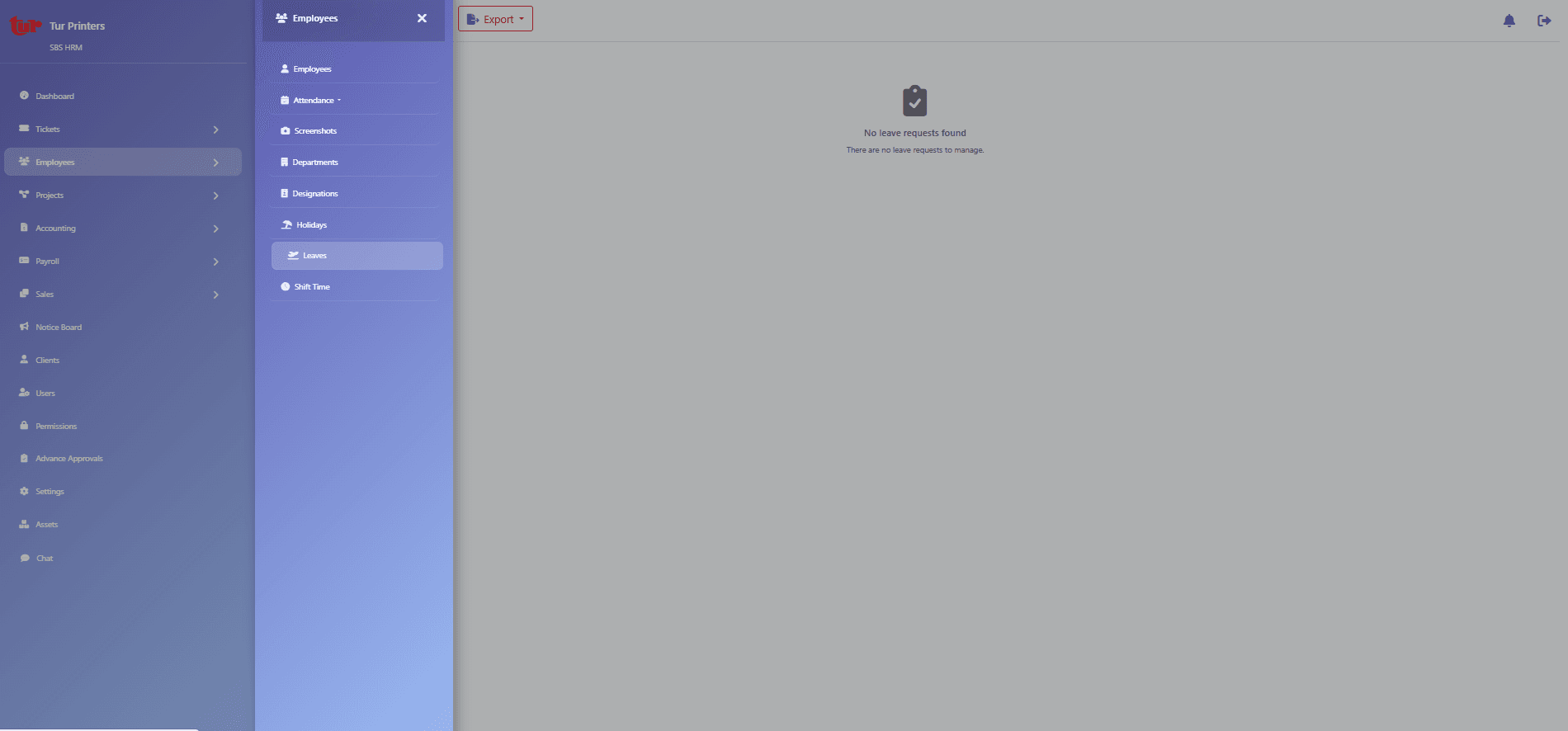
Gallery screens cover leave administration, employee apply-for-leave, and my-leaves history. Homepage copy covers leave types, accrual rules, carry-forward limits, and approval chains. Balances update when a manager approves or declines — the audit trail is the request itself, not a later email reconstruction.
How leave talks to other modules
Approved leave should appear as planned absence in operational views and as paid or unpaid treatment in payroll, according to the leave type. Attendance still records whether the person punched; leave explains why they were not expected. That distinction is why leave is its own URL.
Automating leave without losing managerial control
Automation means structured applications, balances that update when a manager approves, and fewer WhatsApp reconstructions — not a policy bot. HR still administers types and exceptions; managers still own coverage decisions. Pair leave with the holiday calendar and with shifts when roster gaps matter.
Leave balances, accruals, and employee self-service
Leave management software for Pakistani teams is useful when balances are visible to the employee, accruals and carry-forward follow the policy you configured, and approvals leave an audit trail. Staff apply in the self-service portal; managers decide; HR administers types. Educational policy notes stay on the leave-policies article — this page is the product workflow.
Capabilities visible in the product
- HR leave administration and policies
- Employee leave application
- Personal leave history and balances
- Configurable types, accrual, and carry-forward (as implemented)
- Manager approval flow via self-service
- Company holiday calendar (gallery: holidays)
A leave request in practice
1. Employee applies
The staff member submits type, dates, and comments in the self-service apply screen.
2. Manager decides
The approver sees context and records approve or decline — not a lost chat message.
3. Balance updates
The my-leaves view reflects the outcome. HR can still administer exceptions from the admin screen.
4. Operations and payroll consume it
Coverage and pay treatment follow the policy you configured — they are not a third spreadsheet.
Questions
Can we configure Pakistani leave types?
Yes. Approved copy describes configuring leave types, accrual, carry-forward, and approval chains to match how the company works — including variation by organisation and employment type. Exact type names are yours to define.
Do employees apply themselves?
The product includes an apply-for-leave screen and a my-leaves view. That is the self-service path; HR administration remains available for policy and exceptions.
Does this replace legal advice on labour law?
No. The software stores and routes your policy. It does not certify that a policy is lawful in every Pakistani jurisdiction.
Where do holidays live?
The gallery includes a holiday management screen for company holidays and calendar maintenance, alongside leave requests.
Do leave balances update automatically?
Balances update when a manager approves or declines. Accrual and carry-forward follow the leave policy you configured. Exact type names and rates are yours to define during implementation.
See this workflow in a private demo
Approved organisations receive tenant login details by email — the marketing site is not the HRM application.